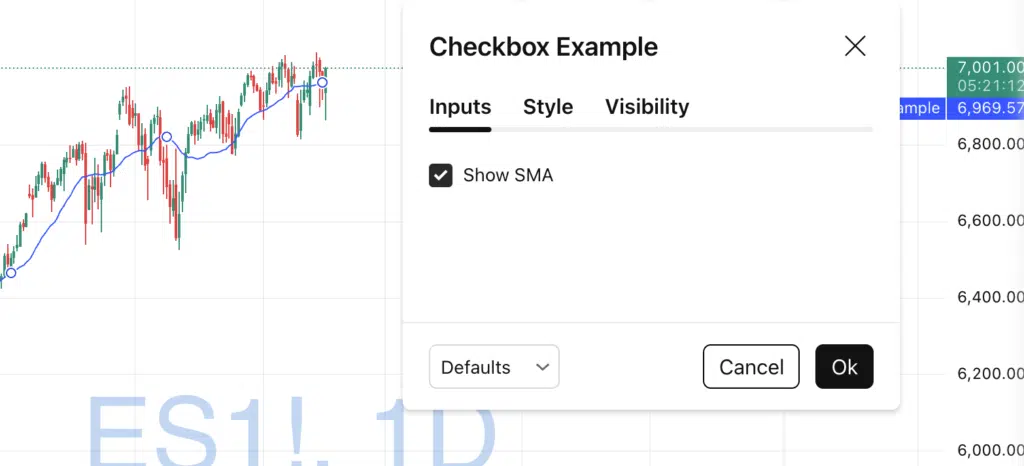
Checkboxes are one of the most underrated input types in Pine Script.
They allow users to toggle features on and off, control logic, and clean up indicator settings — all without writing multiple scripts.
In this tutorial, you’ll learn:
- What a checkbox input is
- How to create one
- Practical use cases
- A clean example using Pine Script v6
What Is a Checkbox in Pine Script?
A checkbox in Pine Script is created using input.bool().
It returns a boolean value:
true→ checkedfalse→ unchecked
This makes it perfect for conditional logic, feature toggles, and optional behavior.
Basic Pine Script Checkbox Example
Here’s the simplest possible checkbox:
// This Pine Script® code is subject to the terms of the Mozilla Public License 2.0 at https://mozilla.org/MPL/2.0/
// © QuantNomad

//@version=6
indicator("Checkbox Example", overlay = true)

showSMA = input.bool(true, title = "Show SMA")

smaValue = ta.sma(close, 20)

plot(showSMA ? smaValue : na)
What’s happening?
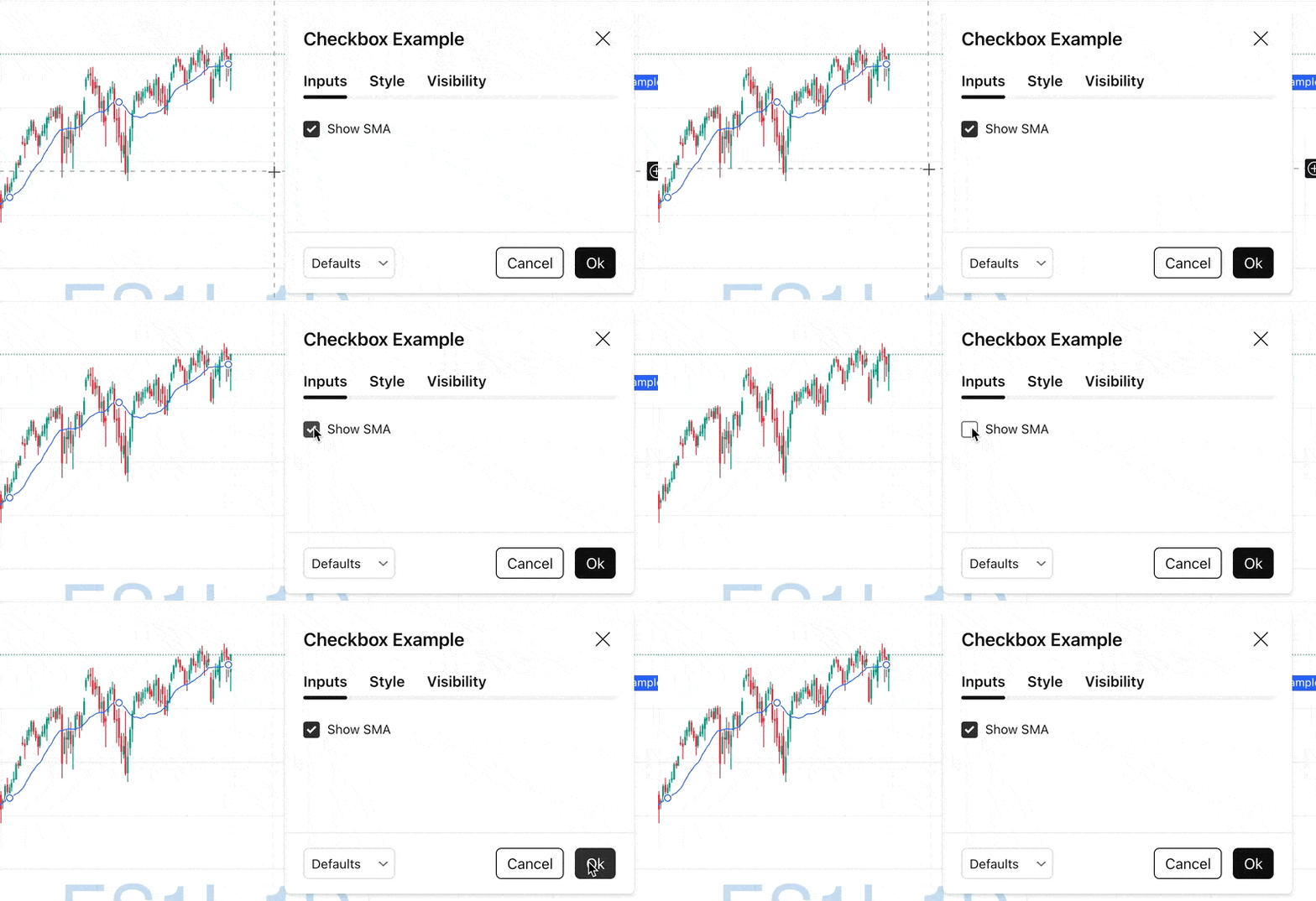
- The checkbox controls whether the SMA is plotted
- If unchecked,
nais plotted → nothing appears on the chart - Clean UI, zero extra logic
Why Use Checkboxes?
1️⃣ Feature Toggles
Let users enable or disable:
- Moving averages
- Signals
- Background highlights
- Extra plots
This avoids cluttering the chart with too many visuals.
2️⃣ Conditional Logic Control
Checkboxes are ideal for switching logic paths:
useEMA = input.bool(false, title = "Use EMA instead of SMA")

ma = useEMA ? ta.ema(close, 20) : ta.sma(close, 20)

plot(ma)
One checkbox → two different calculation modes.
3️⃣ Cleaner Settings Panels
Instead of forcing users to configure everything, you can:
- Hide optional features behind checkboxes
- Provide sensible defaults
- Improve usability (especially for non-technical users)
Advanced Use: Checkbox + Input Activation
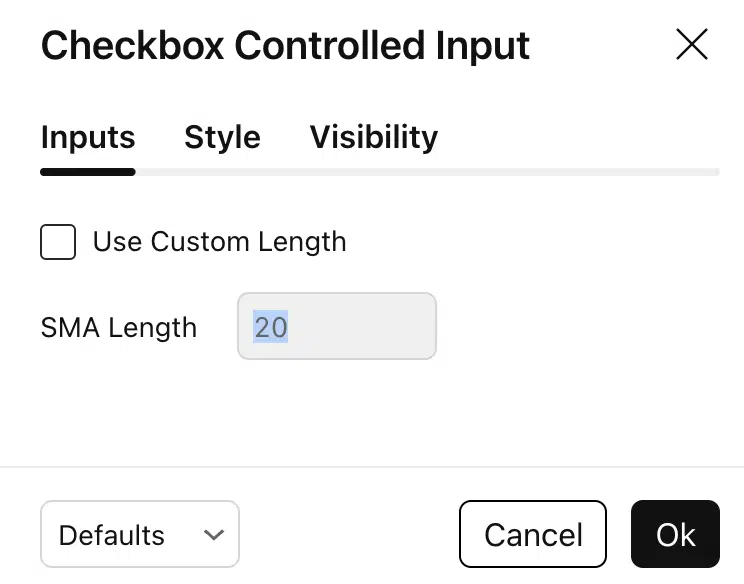
In Pine Script v6, checkboxes can also enable or disable other inputs using the active parameter.
// This Pine Script® code is subject to the terms of the Mozilla Public License 2.0 at https://mozilla.org/MPL/2.0/
// © QuantNomad

//@version=6
indicator("Checkbox Controlled Input", overlay = true)

useCustomLength = input.bool(false, title = "Use Custom Length")

length = input.int(20, title = "SMA Length", active = useCustomLength)

smaLength = useCustomLength ? length : 20

plot(ta.sma(close, smaLength))
Why this is powerful:
- The length input is disabled unless the checkbox is checked
- Prevents user errors
- Makes settings self-explanatory
Best Practices When Using Checkboxes
✅ Use clear, action-based titles
❌ Avoid vague labels like “Option 1”
✅ Default to the most common use case
❌ Don’t overwhelm users with too many toggles
✅ Combine checkboxes with groups and inline inputs
→ especially for larger indicators
When Should You Use a Checkbox?
Use a checkbox when:
- A feature is optional
- A behavior is binary (on/off)
- You want to reduce chart clutter
- You want to simplify user experience
If users don’t need fine-grained control — a checkbox is often better than a numeric input.
Final Thoughts
Checkboxes may look simple, but they dramatically improve:
- Usability
- Flexibility
- Code readability
If you’re building indicators for other traders — or even just for yourself — checkboxes should be one of your default tools in Pine Script.
Follow me on TradingView and YouTube.