AI

AI Wrote My Pine Script Indicator… and It Lied to Me

February 2026

AI Wrote My Pine Script Indicator… and It Lied to Me

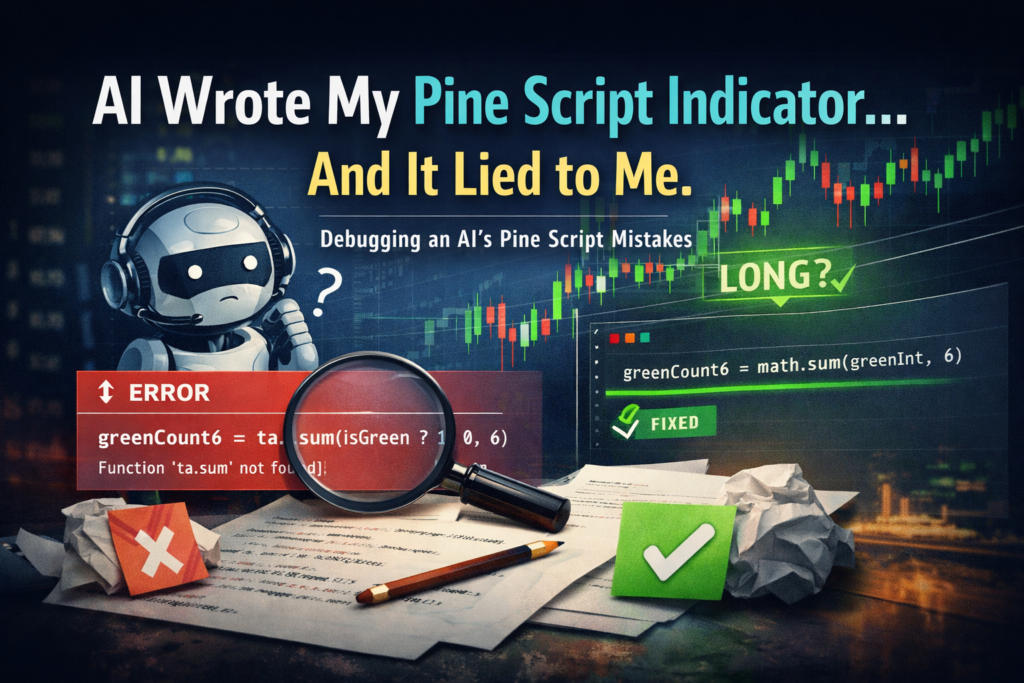
I wanted to build a tiny Pine Script indicator. Nothing fancy. No machine learning. No complex strategy logic. Just this: “Show a long signal when there are at least 5 green candles in the last 6 bars.” So I asked ChatGPT to write it. And it immediately produced something that looked correct… but wasn’t.The prompt Write me AI Wrote My Pine Script Indicator… and It Lied to Me Read More →

AI Wrote My Pine Script Indicator… and It Lied to Me Read More »
set min/max/step values for inputs in pine script

How to Use minval, maxval, and step in Pine Script Inputs (v6)

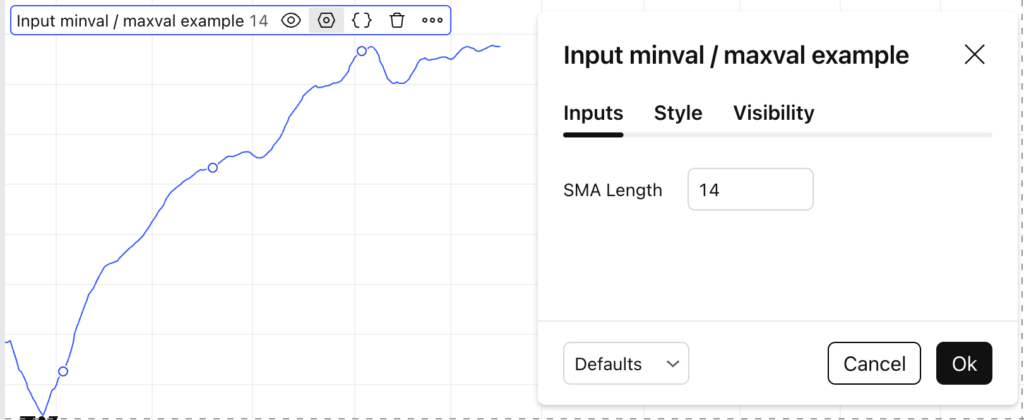
When creating indicators or strategies in Pine Script v6, controlling user inputs is just as important as writing correct calculations.The minval, maxval, and step parameters allow you to validate inputs, prevent errors, and improve the user experience. This tutorial shows how and why to use them. Why Use minval, maxval, and step? Without constraints, users

How to Use minval, maxval, and step in Pine Script Inputs (v6) Read More »

Using Checkboxs in Pine Script Inputs to Show/Hide Chart Elements

How to Use Checkboxes in Pine Script Inputs (and Why You Should)

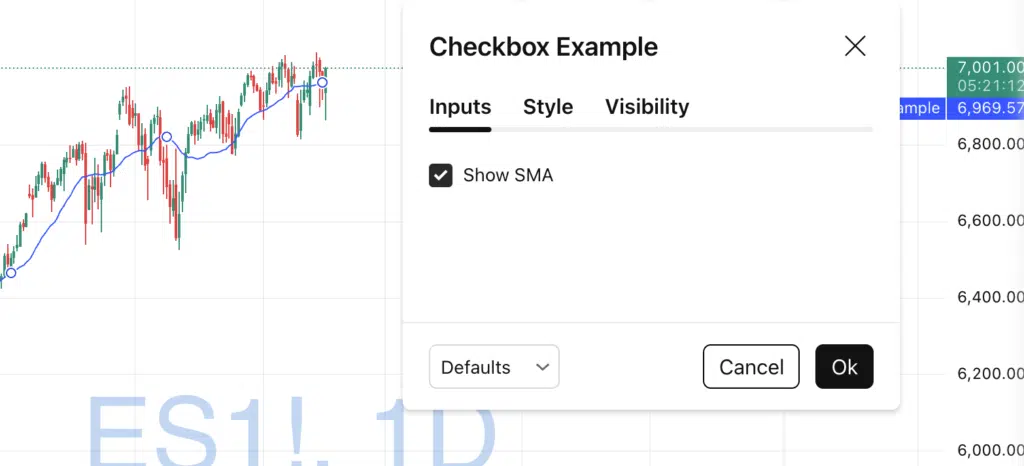
Checkboxes are one of the most underrated input types in Pine Script.They allow users to toggle features on and off, control logic, and clean up indicator settings — all without writing multiple scripts. In this tutorial, you’ll learn: What a checkbox input is How to create one Practical use cases A clean example using Pine

How to Use Checkboxes in Pine Script Inputs (and Why You Should) Read More »