I wanted to build a tiny Pine Script indicator.
Nothing fancy. No machine learning. No complex strategy logic. Just this:
“Show a long signal when there are at least 5 green candles in the last 6 bars.”
So I asked ChatGPT to write it.
And it immediately produced something that looked correct… but wasn’t.The prompt
Write me an indicator in Pine Script that will show a long signal on the chart when there are at least 5 green bars for the last 6 bars.
“Green” here is simple:
- close > open
The indicator should:
- count how many of the last 6 candles are green
- trigger a long signal if the count ≥ 5
The first answer: confident, clean… wrong
ChatGPT output included this:
// Count green bars in the last 6 bars (including current bar)
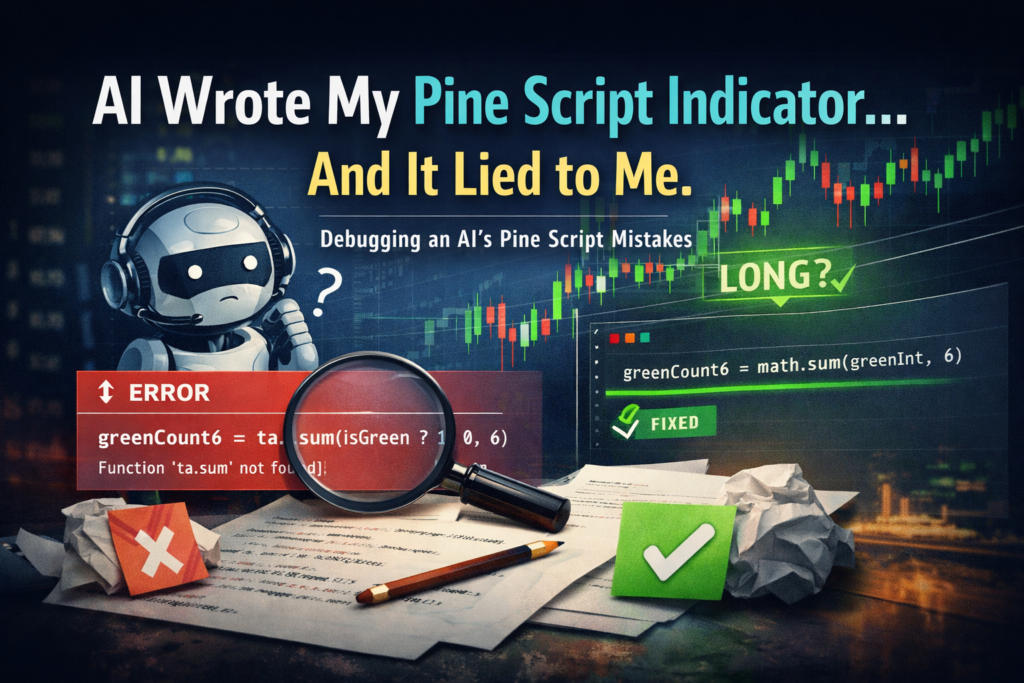
greenCount6 = ta.sum(isGreen ? 1 : 0, 6)
Looks reasonable, right?
Except: ta.sum() doesn’t exist in Pine Script.
This is the first trap with AI + Pine:
- Pine is evolving quickly
- AI models often mix functions from older versions, other namespaces, or even other languages
- The result can look “professional” while being completely invalid
So I told it: “ta.sum doesn’t exist. Use math.sum, which has a lookback.”The second answer: “I understand”… and then it doesn’t
It acknowledged the correction… but didn’t actually apply it.
Instead, it produced this “manual rolling sum.”
greenCount6 = (isGreen ? 1 : 0) +
 (isGreen[1] ? 1 : 0) +
 (isGreen[2] ? 1 : 0) +
 (isGreen[3] ? 1 : 0) +
 (isGreen[4] ? 1 : 0) +
 (isGreen[5] ? 1 : 0)
To be clear: this works.
But it’s not what I asked, and it reveals something important: AI can “solve the task” while still misunderstanding the tool
It didn’t understand how math.sum() is used.
So it avoided it and fell back to brute force.
That’s fine for 6 bars.
But this behavior becomes a real problem when:
- lookbacks are dynamic
- conditions are more complex
- you want maintainable/clean code
- you’re building strategies with state, MTF signals, or execution logic
This is exactly how people end up with Pine scripts that:
- are messy
- are slow
- are difficult to debug
- and occasionally hide logical errors
The third answer: only worked after I constrained it precisely
Only when I gave a very explicit instruction did it finally produce the correct approach:
“please use math.sum instead of ta.sum, it has lookback”
Then the right implementation appeared:
// Rolling sum over last 6 bars (including current)
greenInt = isGreen ? 1 : 0
greenCount6 = math.sum(greenInt, 6)
This is the version you want: readable, scalable, idiomatic
.What this teaches (and why it matters for traders)
Most people think AI coding is about speed.
But the real risk isn’t “syntax errors”.
The real risk is:
AI produces code that looks correct, compiles sometimes, and still reflects a wrong understanding of the platform.
Pine Script is a perfect storm for this:
- it’s niche compared to Python
- it evolves quickly
- it has its own constraints (series vs simple, historical references, security calls, etc.)
- and AI models often generalize incorrectly
So if you use AI to build indicators/strategies, you need a workflow that assumes the model will be wrong sometimes.
Not maliciously wrong.
Just… confidently wrong.A simple framework that prevents 90% of Pine AI mistakes
Here’s the supervision loop I use:
- Ask for the minimal working version
Don’t ask for “full featured” on the first prompt. - Validate the function set
If it uses an unfamiliar function, check Pine docs quickly or test compile. - Force constraints early
Example: “Use math.sum, no manual rolling loops.” - Make the model explain the reasoning
“Why is this function correct in Pine v6?” - Refactor after correctness
First make it correct, then make it clean.
This turns AI from a “random code generator” into a junior developer you supervise.This was a tiny example — but it illustrates the bigger point.
AI doesn’t fail because it can’t write code.
It fails because it doesn’t truly understand the trading context unless you guide it.
If you treat it like a magic box, you’ll eventually ship broken logic.
If you treat it like a junior quant developer you supervise, your research speed changes completely.
Over the next few weeks, I’ll share more real debugging cases as I prepare the next live cohort focused on AI-powered Pine Script workflows — from clean prompt design to validation and non-repainting logic.
If you’d like to see the full outline and what we’ll cover, you can take a look here:
👉 http://qntly.com/pineai
More soon.