Inputs

How to Use Checkboxes in Pine Script Inputs (and Why You Should)

FAQ

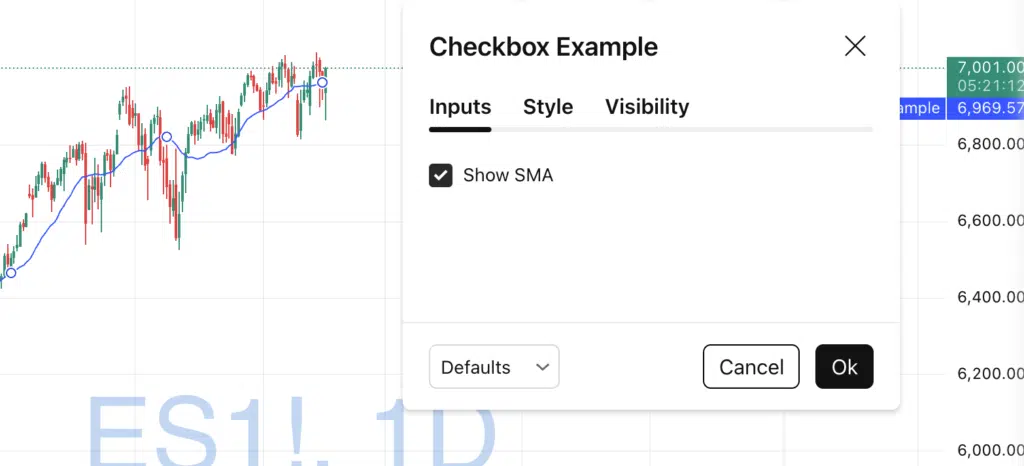
Using Checkboxs in Pine Script Inputs to Show/Hide Chart Elements

How to Use Checkboxes in Pine Script Inputs (and Why You Should)

Checkboxes are one of the most underrated input types in Pine Script.They allow users to toggle features on and off, control logic, and clean up indicator settings — all without writing multiple scripts. In this tutorial, you’ll learn: What a checkbox input is How to create one Practical use cases A clean example using Pine How to Use Checkboxes in Pine Script Inputs (and Why You Should) Read More →

Pine Script v6 inputs panel showing inline parameters aligned on the same row in TradingView

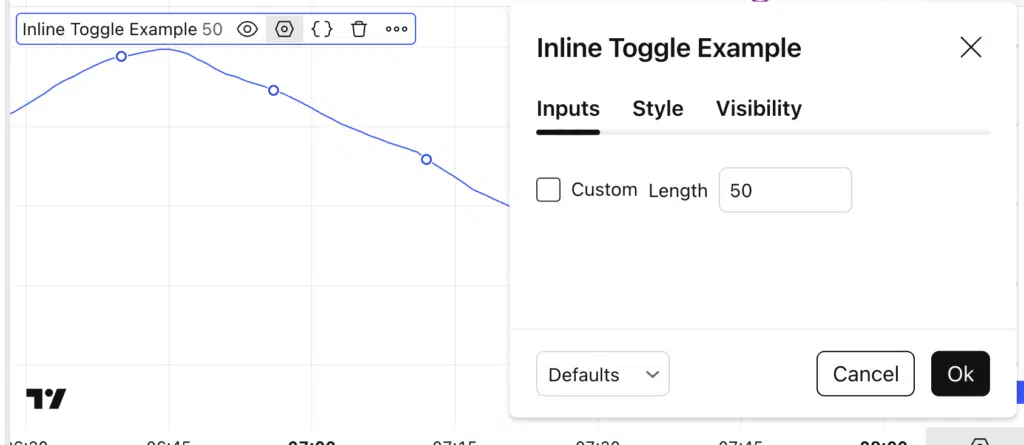
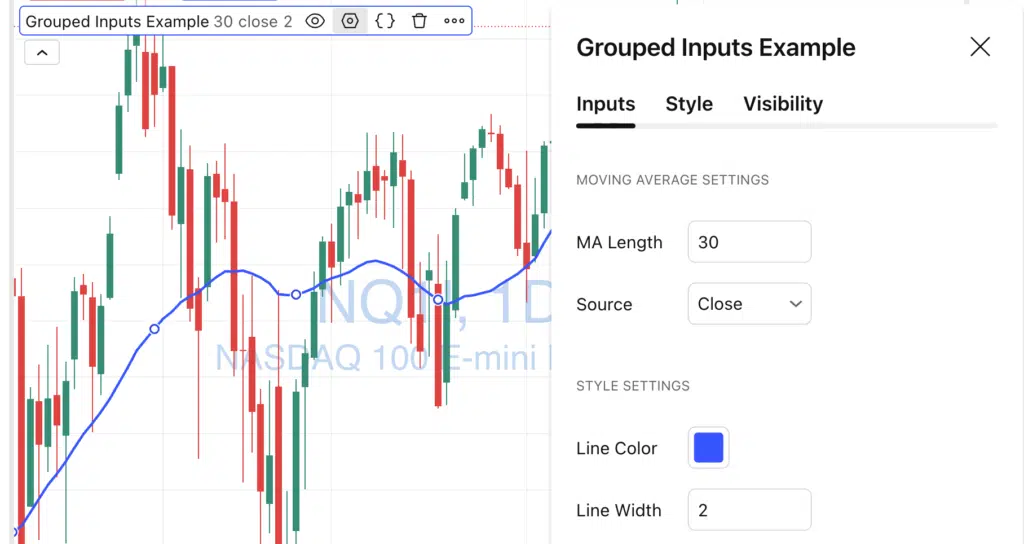
How to Use inline Parameters in Pine Script v6 Inputs

Introduction When building indicators or strategies in Pine Script v6, usability matters just as much as logic.A common issue with TradingView scripts is a cluttered inputs panel, where every parameter appears on its own line. Starting with Pine Script v6, the inline parameter allows you to align multiple inputs on the same row, making your How to Use inline Parameters in Pine Script v6 Inputs Read More →

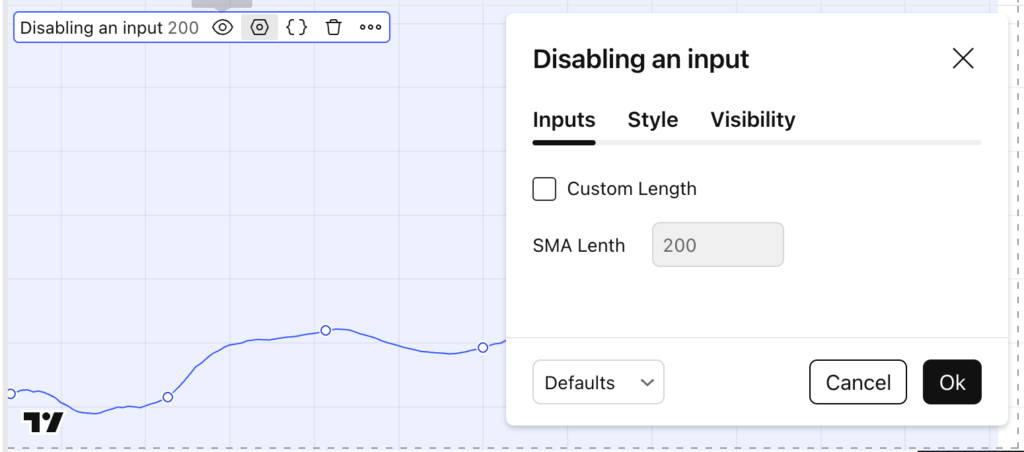
How to Enable or Disable Inputs in Pine Script v6 (Conditional Inputs Using active)

Pine Script v6 lets you conditionally enable or disable an input in the settings panel based on another input (like a checkbox). This is perfect for building clean indicators where users only see (and can edit) advanced settings when they actually need them. In this tutorial, you’ll learn how to use the active parameter in How to Enable or Disable Inputs in Pine Script v6 (Conditional Inputs Using active) Read More →

Displaying Pine Script indicator overlaying the price or in a separate chart.

Depending on the type of your indicator, you might want to plot it on top of your price or in a separate pane. If your indicator has the same scale as your data, you might want it to display on top, for example, BB, SMA, or Ichimoku cloud. If the scale is completely different, you Displaying Pine Script indicator overlaying the price or in a separate chart. Read More →

The function ‘XXXX’ should be called on each calculation for consistency. It is recommended to extract the call from this scope

Ever come across the following warning message in Pine Script? It happens quite often for some developers. The function ‘XXX’ should be called on each calculation for consistency. It is recommended to extract the call from this scope. This is not an error per se but rather a warning, which means your script will still The function ‘XXXX’ should be called on each calculation for consistency. It is recommended to extract the call from this scope Read More →

How to Set Price Input Interactively From Chart in Pine Script

Inputs in Pine Script make it possible for traders to change the values that the script uses in its calculation logic. TradingView provided specific widgets for price and other types of input. Recently (late 2021), TradingView introduced a new interactive mode for time and price inputs that allows users to simply modify inputs by clicking How to Set Price Input Interactively From Chart in Pine Script Read More →