How to Use minval, maxval, and step in Pine Script Inputs (v6)
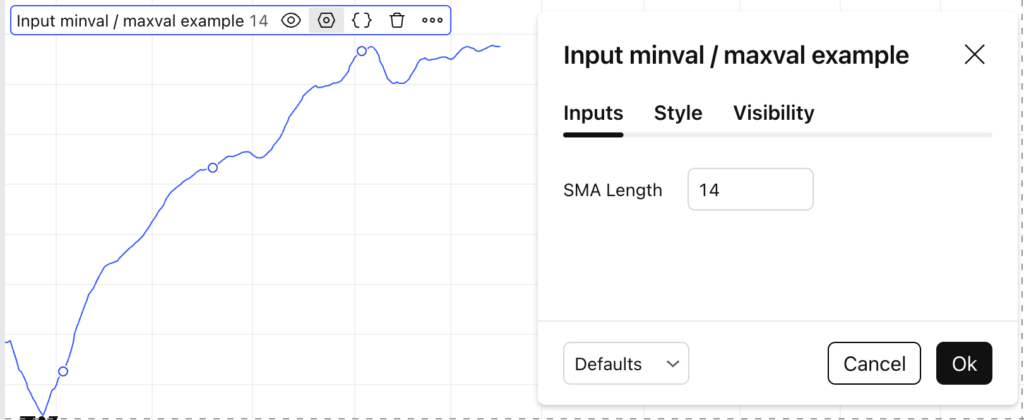
When creating indicators or strategies in Pine Script v6, controlling user inputs is just as important as writing correct calculations.The minval, maxval, and step parameters allow you to validate inputs, prevent errors, and improve the user experience. This tutorial shows how and why to use them. Why Use minval, maxval, and step? Without constraints, users How to Use minval, maxval, and step in Pine Script Inputs (v6) Read More →
How to Use minval, maxval, and step in Pine Script Inputs (v6) Read More »