How to Enable or Disable Inputs in Pine Script v6 (Conditional Inputs Using Active)
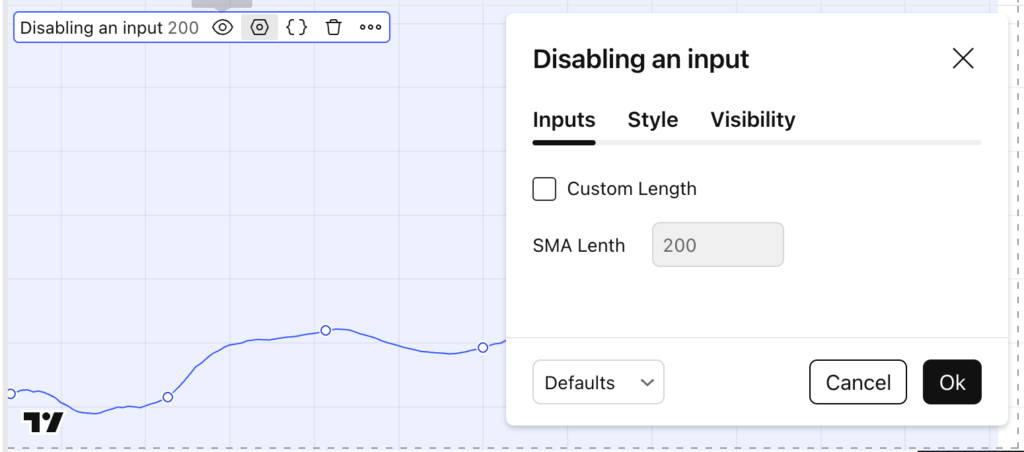
Pine Script v6 lets you conditionally enable or disable an input in the settings panel based on another input (like a checkbox). This is perfect for building clean indicators where users only see (and can edit) advanced settings when they actually need them. In this tutorial, you’ll learn how to use the active parameter in How to Enable or Disable Inputs in Pine Script v6 (Conditional Inputs Using Active) Read More →
How to Enable or Disable Inputs in Pine Script v6 (Conditional Inputs Using Active) Read More »





![Build a Backtesting Dashboard in R Shiny in Just 10 Minutes! [Video Tutorial + Code] Quant Nomad](https://quantnomad.com/wp-content/uploads/2024/08/091c8e1e-858a-49e1-b63c-015882c2a899-1024x585.webp)